Log Out of Authorium
This guide shows how to log out of Authorium when you're finished working or need to switch accounts or devices.
Logging Out on Shared Devices
Always log out if you're using a shared or public device to protect your account.
When to Log Out
You should log out when you need to:
- End your session securely.
- Switch between accounts or devices.
To Log Out of Your Account
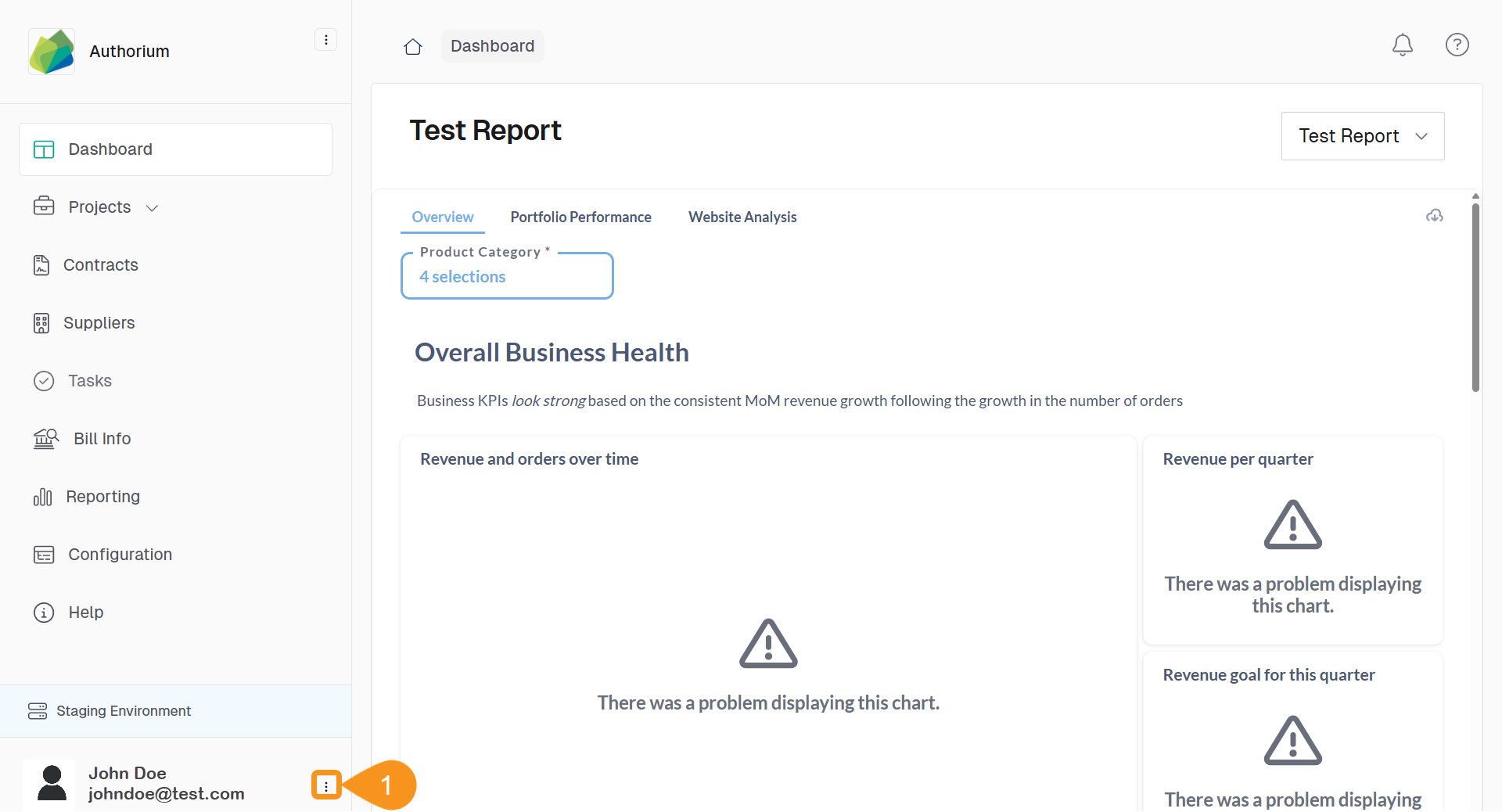
- From the Dashboard, click the three-dots menu next to your name and email in the navigation bar.
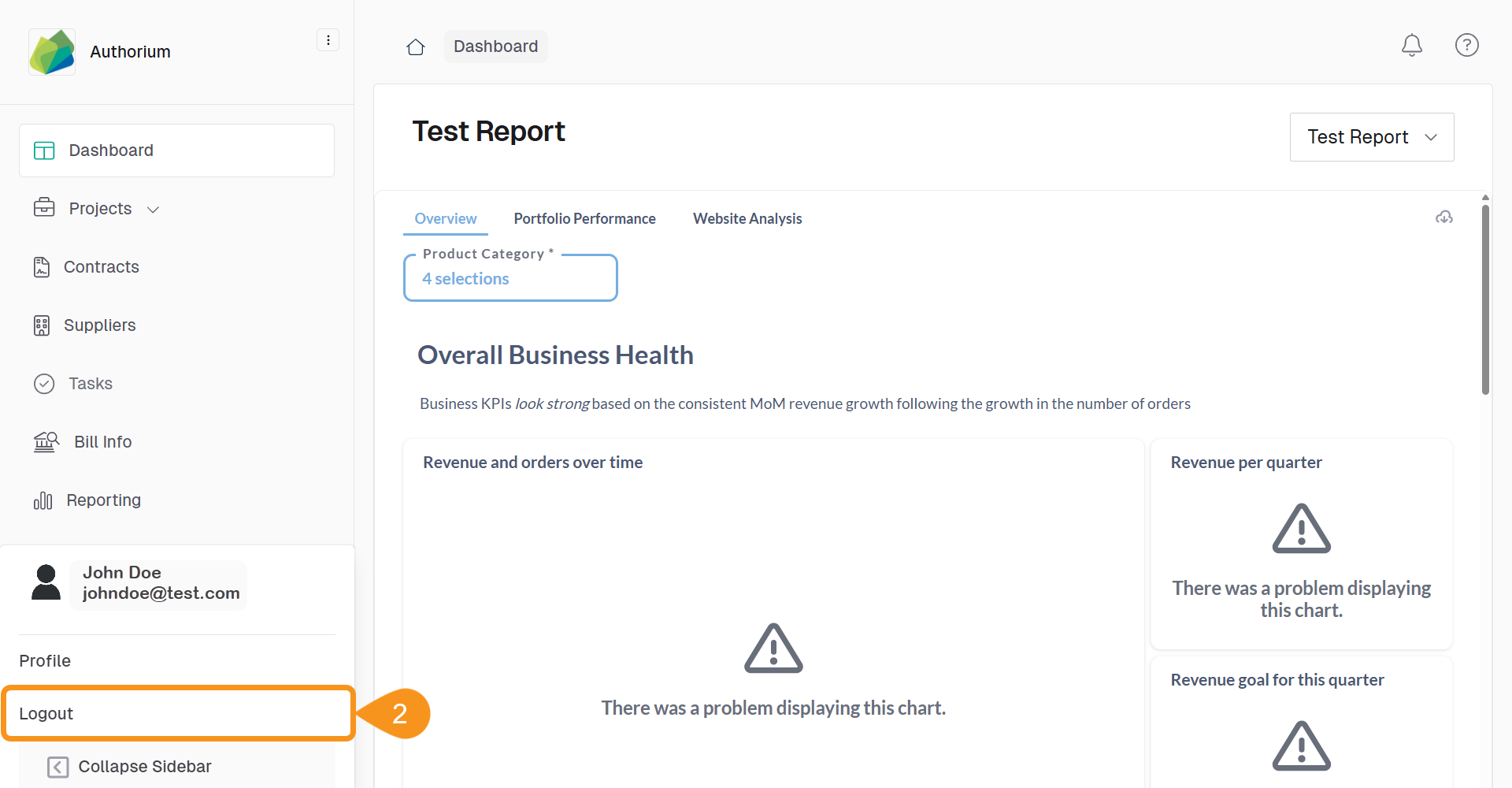
- Select Logout.
See Also
To complement your knowledge of this process, check the following pages: